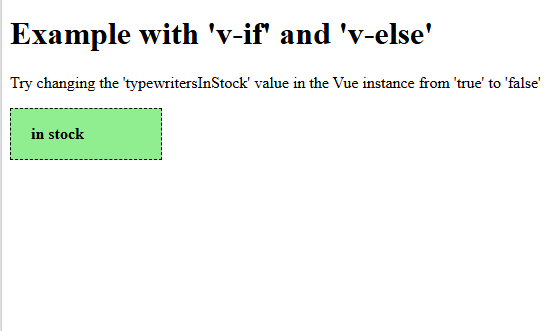
We rendering conditional vue with the help of v-if.
<!DOCTYPE html>
<html>
<head>
<title>Typewriters</title>
<style>
#app {
border: dashed black 1px;
width: 130px;
padding-left: 20px;
font-weight: bold;
background-color: lightgreen;
}
</style>
</head>
<body>
<h1>Example with 'v-if' and 'v-else'</h1>
<p>Try changing the 'typewritersInStock' value in the Vue instance from 'true' to 'false' and run the code again.</p>
<div id="app">
<p v-if="typewritersInStock">
in stock
</p>
<p v-else>
not in stock
</p>
</div>
<script src="https://unpkg.com/vue@3/dist/vue.global.js"></script>
<script>
const app = Vue.createApp({
data() {
return {
typewritersInStock: true
}
}
})
app.mount('#app')
</script>
</body>
</html>
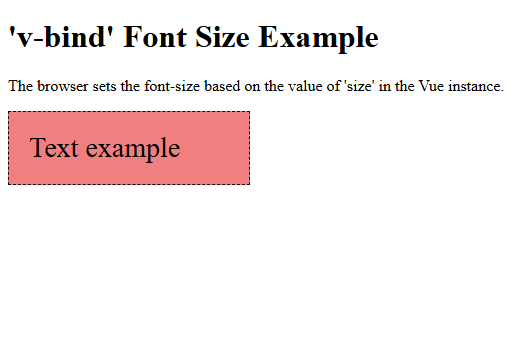
We are using Vue v-bind Directive. the font size depends on the Vue data property size.
<!DOCTYPE html>
<html>
<head>
<title>v-bind font-size</title>
<style>
#app > div {
width: 200px;
padding: 20px;
border: dashed black 1px;
background-color: lightcoral;
}
</style>
</head>
<body>
<h1>'v-bind' Font Size Example</h1>
<p>The browser sets the font-size based on the value of 'size' in the Vue instance.</p>
<div id="app">
<div v-bind:style="{ fontSize: size }">Text example</div>
</div>
<script src="https://unpkg.com/vue@3/dist/vue.global.js"></script>
<script>
const app = Vue.createApp({
data() {
return {
size: '28px'
}
}
})
app.mount('#app')
</script>
</body>
</html>
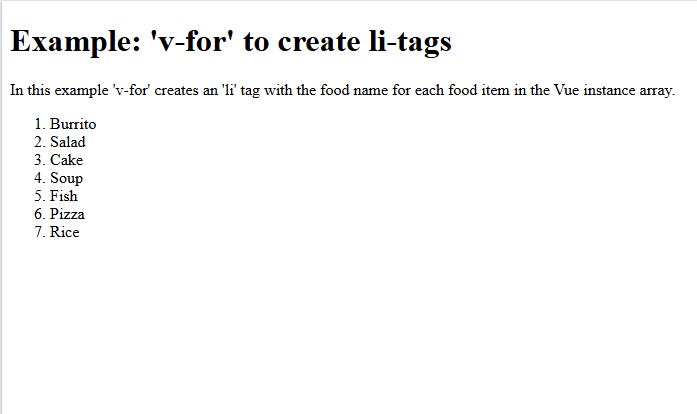
We are using Vue v-for Directive. Display a list based on the items of an array.
<!DOCTYPE html>
<html>
<head>
<title>My first Vue page</title>
<style>
#app > div {
border: solid black 1px;
width: 80%;
padding: 10px;
display: flex;
flex-wrap: wrap;
}
img {
width: 70px;
margin: 10px;
}
</style>
</head>
<body>
<h1>Example: 'v-for' to create li-tags</h1>
<p>In this example 'v-for' creates an 'li' tag with the food name for each food item in the Vue instance array.</p>
<div id="app">
<ol>
<li v-for="x in manyFoods">{{ x }}</li>
</ol>
</div>
<script src="https://unpkg.com/vue@3/dist/vue.global.js"></script>
<script>
const app = Vue.createApp({
data() {
return {
manyFoods: [
'Burrito',
'Salad',
'Cake',
'Soup',
'Fish',
'Pizza',
'Rice'
]
}
}
})
app.mount('#app')
</script>
</body>
</html>
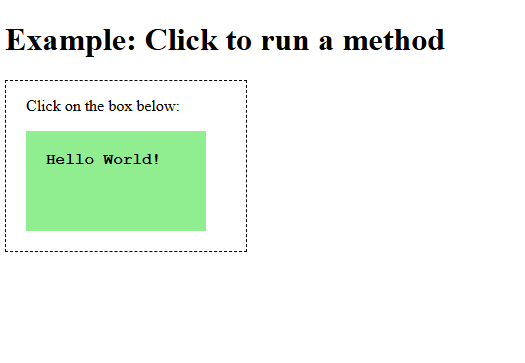
We are using Vue v-Method. When the 'click' event occurs the 'writeText' method is called and the text is changed.
<!DOCTYPE html>
<html>
<head>
<title>Click To Run Method</title>
<style>
#app {
border: black dashed 1px;
width: 200px;
padding: 0 20px 20px 20px;
}
#app > div {
width: 140px;
height: 60px;
background-color: lightgreen;
padding: 20px;
font-weight: bold;
font-family: 'Courier New', Courier, monospace;
}
</style>
</head>
<body>
<h1>Example: Click to run a method</h1>
<div id="app">
<p>Click on the box below:</p>
<div v-on:click="changeText">
{{ text }}
</div>
</div>
<script src="https://unpkg.com/vue@3/dist/vue.global.js"></script>
<script>
const app = Vue.createApp({
data() {
return {
text: ''
}
},
methods: {
changeText() {
this.text = 'Hello World!'
}
}
})
app.mount('#app')
</script>
</body>
</html>
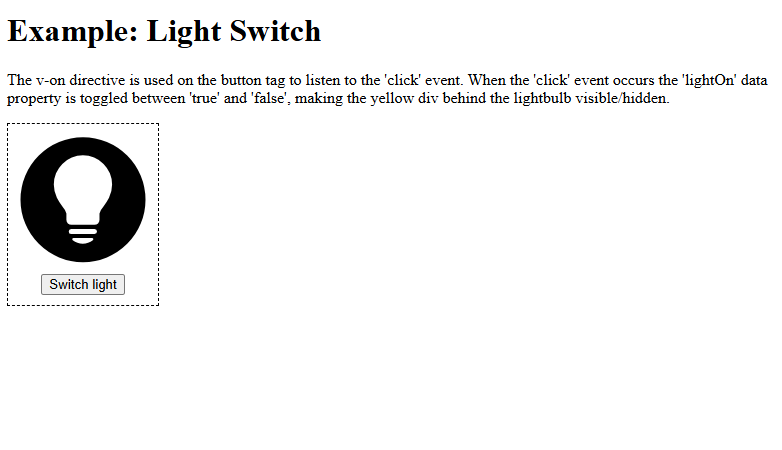
We are using Vue v-on Directive. When the click event occurs the 'lightOn' data property is toggled between 'true' and 'false', making the yellow div behind the lightbulb visible or hidden.
<!DOCTYPE html>
<html>
<head>
<title>Light Switch</title>
<style>
#app {
border: dashed black 1px;
display: inline-block;
padding-bottom: 10px;
}
#app > button {
display: block;
margin: auto;
}
#lightDiv {
position: relative;
width: 150px;
height: 150px;
}
#lightDiv > img {
position: relative;
width: 100%;
height: 100%;
}
#lightDiv > div {
position: absolute;
top: 10%;
left: 10%;
width: 80%;
height: 80%;
border-radius: 50%;
background-color: yellow;
}
</style>
</head>
<body>
<h1>Example: Light Switch</h1>
<p>The v-on directive is used on the button tag to listen to the 'click' event. When the 'click' event occurs the 'lightOn' data property is toggled between 'true' and 'false', making the yellow div behind the lightbulb visible/hidden.</p>
<div id="app">
<div id="lightDiv">
<div v-show="lightOn"></div>
<img src="img_lightBulb.svg">
</div>
<button v-on:click=" lightOn =! lightOn ">Switch light</button>
</div>
<script src="https://unpkg.com/vue@3/dist/vue.global.js"></script>
<script>
const app = Vue.createApp({
data() {
return {
lightOn: false
}
}
})
app.mount('#app')
</script>
</body>
</html>