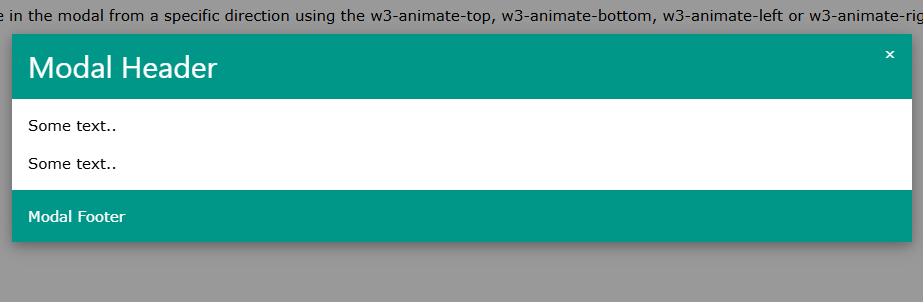
We creating an animated modals.
<!DOCTYPE html>
<html>
<title>W3.CSS</title>
<meta name="viewport" content="width=device-width, initial-scale=1">
<link rel="stylesheet" href="https://www.w3schools.com/w3css/4/w3.css">
<body>
<div class="w3-container">
<h2>W3.CSS Animated Modal</h2>
<p>Zoom in the modal with the w3-animate-zoom class, or slide in the modal from a specific direction using the w3-animate-top, w3-animate-bottom, w3-animate-left or w3-animate-right class:</p>
<button onclick="document.getElementById('id01').style.display='block'" class="w3-button w3-black">Open Animated Modal</button>
<div id="id01" class="w3-modal">
<div class="w3-modal-content w3-animate-top w3-card-4">
<header class="w3-container w3-teal">
<span onclick="document.getElementById('id01').style.display='none'"
class="w3-button w3-display-topright">×</span>
<h2>Modal Header</h2>
</header>
<div class="w3-container">
<p>Some text..</p>
<p>Some text..</p>
</div>
<footer class="w3-container w3-teal">
<p>Modal Footer</p>
</footer>
</div>
</div>
</div>
</body>
</html>
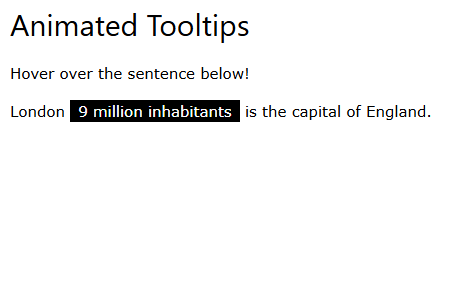
We creating an animated tooltips.
<!DOCTYPE html>
<html>
<title>W3.CSS</title>
<meta name="viewport" content="width=device-width, initial-scale=1">
<link rel="stylesheet" href="https://www.w3schools.com/w3css/4/w3.css">
<body>
<div class="w3-container">
<h2>Animated Tooltips</h2>
<p>Hover over the sentence below!</p>
<p class="w3-tooltip">London <span class="w3-text w3-tag w3-animate-opacity">9 million inhabitants</span> is the capital of England.</p>
</div>
</body>
</html>
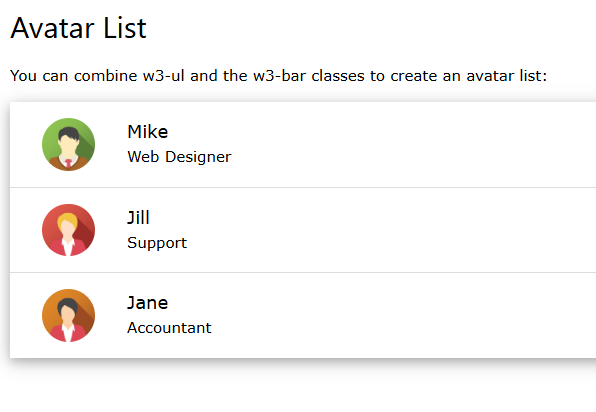
We are displaying an avatar list.
<!DOCTYPE html>
<html>
<title>W3.CSS</title>
<meta name="viewport" content="width=device-width, initial-scale=1">
<link rel="stylesheet" href="https://www.w3schools.com/w3css/4/w3.css">
<body>
<div class="w3-container">
<h2>Avatar List</h2>
<p>You can combine w3-ul and the w3-bar classes to create an avatar list:</p>
<ul class="w3-ul w3-card-4">
<li class="w3-bar">
<span onclick="this.parentElement.style.display='none'" class="w3-bar-item w3-button w3-white w3-xlarge w3-right">×</span>
<img src="https://www.w3schools.com/w3css/img_avatar2.png" class="w3-bar-item w3-circle w3-hide-small" style="width:85px">
<div class="w3-bar-item">
<span class="w3-large">Mike</span><br>
<span>Web Designer</span>
</div>
</li>
<li class="w3-bar">
<span onclick="this.parentElement.style.display='none'" class="w3-bar-item w3-button w3-white w3-xlarge w3-right">×</span>
<img src="https://www.w3schools.com/w3css/img_avatar5.png" class="w3-bar-item w3-circle w3-hide-small" style="width:85px">
<div class="w3-bar-item">
<span class="w3-large">Jill</span><br>
<span>Support</span>
</div>
</li>
<li class="w3-bar">
<span onclick="this.parentElement.style.display='none'" class="w3-bar-item w3-button w3-white w3-xlarge w3-right">×</span>
<img src="https://www.w3schools.com/w3css/img_avatar6.png" class="w3-bar-item w3-circle w3-hide-small" style="width:85px">
<div class="w3-bar-item">
<span class="w3-large">Jane</span><br>
<span>Accountant</span>
</div>
</li>
</ul>
</div>
</body>
</html>
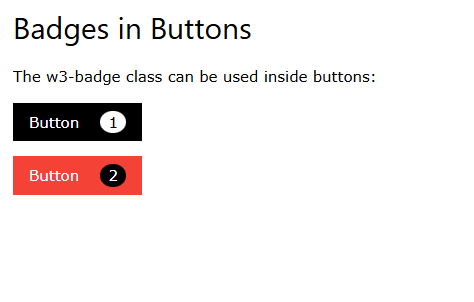
We are displaying badges in buttons.
<!DOCTYPE html>
<html>
<title>W3.CSS</title>
<meta name="viewport" content="width=device-width, initial-scale=1">
<link rel="stylesheet" href="https://www.w3schools.com/w3css/4/w3.css">
<body>
<div class="w3-container">
<h2>Badges in Buttons</h2>
<p>The w3-badge class can be used inside buttons:</p>
<p><button class="w3-btn w3-black">Button
<span class="w3-badge w3-margin-left w3-white">1</span>
</button></p>
<p><button class="w3-btn w3-red">Button
<span class="w3-badge w3-margin-left">2</span>
</button></p>
</div>
</body>
</html>
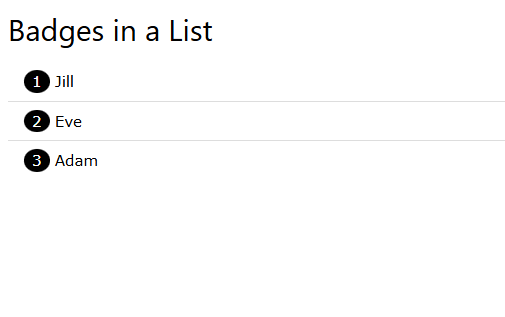
We are displaying badges in lists.
<!DOCTYPE html>
<html>
<title>W3.CSS</title>
<meta name="viewport" content="width=device-width, initial-scale=1">
<link rel="stylesheet" href="https://www.w3schools.com/w3css/4/w3.css">
<body>
<div class="w3-container">
<h2>Badges in a List</h2>
<ul class="w3-ul">
<li><span class="w3-badge">1</span> Jill</li>
<li><span class="w3-badge">2</span> Eve</li>
<li><span class="w3-badge">3</span> Adam</li>
</ul>
</div>
</body>
</html>